| QUICK ANSWER
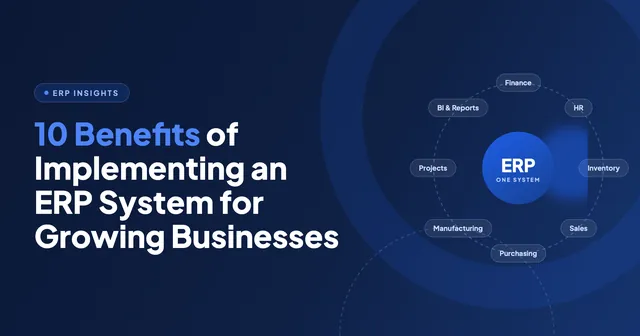
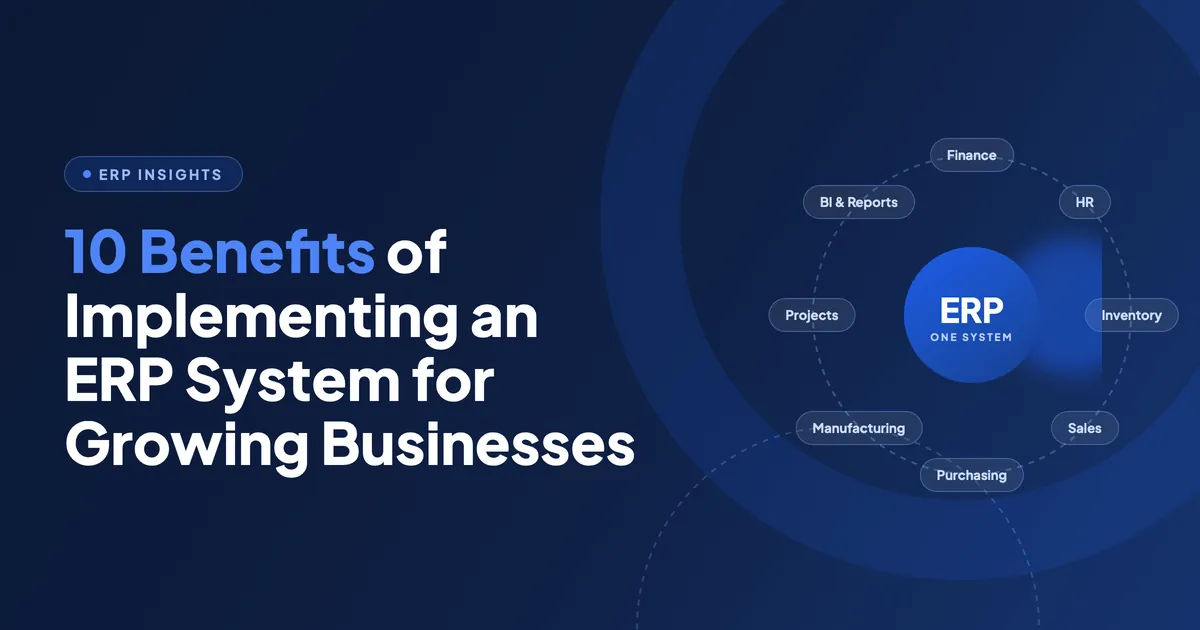
An ERP system connects finance, sales, inventory, purchasing and HR into one shared database, so every team works from the same numbers. For a growing business the benefits that matter are fewer manual handoffs, a faster month-end close, stock figures you can trust, and one view of each customer. A small to mid-sized Odoo rollout goes live in 8 to 16 weeks. Small teams often start with two or three modules for under $5,000 and add more as they grow. |
Most growing businesses do not struggle because they lack software. They struggle because they have too much of it.
Sales lives in one tool. Accounts lives in another. Stock lives in a spreadsheet that only one person really understands. Every handoff between them is a copy-paste, and every copy-paste is a chance to get it wrong.
That setup works fine at ten people. It starts to crack at thirty. By the time you hit a hundred, the cost of stitching it together is bigger than the cost of replacing it.
This guide covers what an ERP system actually changes, what it costs, how long it takes, and how to tell whether you are ready. No vendor spin.
What is an ERP system?
ERP stands for Enterprise Resource Planning. It is a single platform that runs your core business functions on one database instead of several disconnected ones.
When a sales order is confirmed in an ERP, stock is reserved, a purchase suggestion is raised if you are short, the delivery is scheduled and the invoice is queued. Nobody re-keys anything. That is the whole idea.
A typical ERP covers:
- Finance and accounting
- Sales and CRM
- Inventory and warehouse
- Purchasing and supplier management
- Manufacturing or project delivery
- HR, payroll and timesheets
Modern platforms add a layer on top of this. Machine learning models forecast demand, read supplier invoices and score leads directly inside the system. We break that down in our guide to AI integration in ERP systems.
ERP, CRM and accounting software are not the same thing
People use these terms interchangeably. They should not.
| Tool | Primary job | What usually triggers the purchase |
|---|---|---|
| Accounting software | Record transactions and file compliance | You need books and tax returns. Every business starts here. |
| CRM | Manage pipeline and customer relationships | Sales is losing track of deals and follow-ups. |
| ERP | Run the whole operation on one dataset | Departments cannot agree on the numbers, and manual reconciliation is eating the week. |
An ERP usually includes CRM functionality. A CRM does not include an ERP. If your pain is purely sales-side, start with CRM automation instead. It is cheaper and faster.
Six signs you have outgrown your current setup
Do not buy an ERP because a competitor did. Buy one when you recognise most of these:
- Two teams quote different numbers for the same month, and both can defend theirs.
- Month-end close takes more than five working days.
- Someone spends a full day a week moving data between systems by hand.
- You have sold stock you did not have, or held stock you forgot about.
- A new hire needs access to four tools before they can do anything useful.
- Your reporting is retrospective. You find out about problems after they cost you money.
One or two of these is a process issue. Four or more is a systems issue, and process fixes will not hold.
The five ERP benefits that show up in your numbers
Vendor lists run to twenty benefits. In practice, five of them are where the return comes from. Each one below includes what to measure, so you can prove it later.
1. One version of the truth
Every department reads and writes to the same database. There is no reconciliation step because there is nothing to reconcile.
This sounds abstract until a board meeting stops with two conflicting revenue figures on screen.
What to measure: hours per month spent reconciling reports, and the number of disputed figures raised in management meetings.
2. Fewer manual handoffs across order to cash
An order confirmed in sales moves through stock allocation, picking, dispatch and invoicing without anyone re-entering it.
The saving is not just time. It is the errors you stop making. Wrong quantities, missed invoices and duplicate purchase orders all trace back to manual re-entry.
What to measure: order-to-cash cycle time, invoice error rate, and days sales outstanding.
3. Inventory you can actually trust
Real-time stock levels across every location, with reorder rules that fire automatically instead of when someone notices a gap.
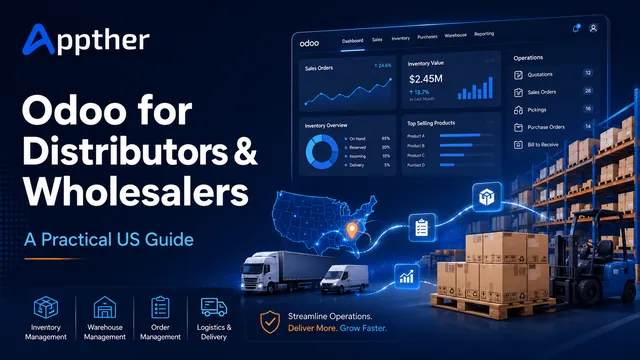
For distributors this is usually the single biggest win. We covered the specifics in our guide to Odoo for distributors and wholesalers, and the forecasting side in AI in warehouse management.
What to measure: stock accuracy percentage, stockout frequency, inventory carrying cost, and dead stock value.
4. Financial visibility while it still matters
Live dashboards on cash position, margin by product line and outstanding receivables. You see a margin problem in week two, not at quarter end.
Automated compliance reporting matters here too, particularly if you operate across multiple tax jurisdictions.
What to measure: days to close the month, and the lag between a transaction happening and it appearing in a report.
5. Room to grow without replatforming
Modular systems let you switch on manufacturing, a second warehouse or a new currency without rebuilding. That is the difference between an ERP that lasts eight years and one you replace in three.
This is also where the platform choice bites. See Odoo vs SAP vs NetSuite for how the three compare on cost of change.
What to measure: cost and elapsed time to add a new entity, location or product line.
How much does an ERP system cost?
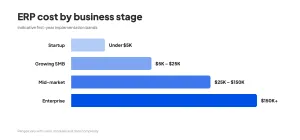
Cost depends on module count, data migration complexity and how much custom work you need. The bands below are indicative for an open-source ERP such as Odoo, covering implementation, configuration, migration and training in year one.
| Business stage | Typical starting modules | Indicative year one | What drives it up |
|---|---|---|---|
| Startup, under 20 staff | CRM, Invoicing, Project | Under $5,000 | Custom workflows, integrations |
| Growing SMB, 20 to 100 staff | Sales, Inventory, Accounting, Purchase | $15,000 to $50,000 | Data migration, multi-location stock |
| Mid-market, 100 to 500 staff | Full suite plus Manufacturing or HR | $50,000 to $150,000 | Custom modules, multi-entity, compliance |
| Enterprise or multi-country | Full suite, multi-entity, multi-currency | $150,000 and up | Legacy migration, regional compliance |
Licence costs sit on top and vary by edition. Odoo Community is open source with no licence fee. Enterprise adds Payroll, Sign, IoT and official support on a per-user subscription.
Regional pricing differs. For local figures see our Odoo implementation cost guide for Australia and our Odoo implementation guide for Saudi Arabia.
How long does ERP implementation take?
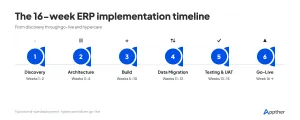
A small to mid-sized business goes live in 8 to 16 weeks with an agile delivery model. Here is how that time is actually spent.
| Phase | Weeks | What happens |
|---|---|---|
| Discovery | 1 to 2 | Stakeholder workshops, process mapping, module selection, fixed-price scope |
| Architecture | 2 to 4 | Instance setup, data model, user roles and access, UI wireframes |
| Build | 4 to 12 | Two-week sprints, module configuration, custom modules, integrations, demos |
| Data migration | 10 to 14 | Extract, cleanse, map, validate, parallel-run testing |
| Testing and UAT | 13 to 15 | Functional, regression and load testing, then your team signs off |
| Go-live and hypercare | 15 plus | Cutover, training, intensive monitoring, then ongoing support |
The phase-by-phase detail sits in our Odoo ERP implementation checklist. It is written for manufacturers but the sequence applies to any sector.
Why ERP implementations fail
Roughly the same five reasons every time. None of them are technical.
- No executive owner. The project stalls the first time two departments disagree.
- Dirty data migrated as-is. Bad data in a new system is still bad data, now with more visibility.
- Customising before configuring. Teams rebuild their old broken process inside the new tool.
- Training treated as a go-live day activity rather than a six-week programme.
- Big-bang cutover with no parallel run and no rollback plan.
Avoiding these costs nothing. Fixing them after go-live costs more than the original build.
How to choose the right ERP for a growing business
Work through these in order:
- Write down the three problems you are solving. If you cannot name them, you are not ready to buy.
- Check total cost of ownership over five years, not the first invoice. Licence, hosting, support and change requests all belong in the number.
- Test the integrations you already depend on. Your payment gateway, your ecommerce storefront, your bank feed.
- Decide on deployment early.
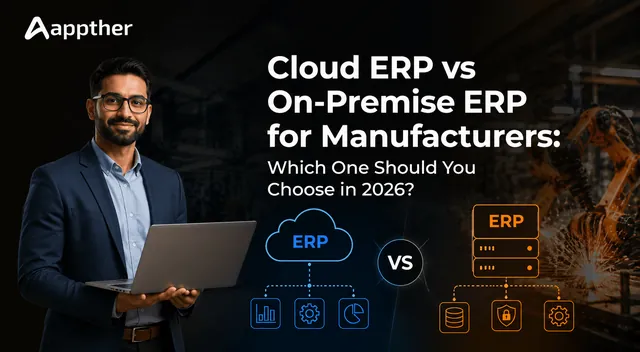
That last one matters more than most buyers expect. Our comparison of cloud ERP vs on-premise ERP walks through the trade-offs on cost, control and compliance.
- Ask the vendor for two references at your size, in your sector, live for more than a year.
- Check the upgrade path. An ERP you cannot upgrade becomes legacy software within one release cycle.
On that last point, our Odoo 19 vs Odoo 17 comparison shows what a clean upgrade path actually looks like in practice.
Where Appther fits
We are an Odoo implementation team with over 200 projects delivered across 12 or more industries, working across Odoo 17, 18 and 19 in both Community and Enterprise editions. Our Odoo services cover implementation, custom module development, migration from SAP, Dynamics, QuickBooks or Tally, and ongoing support across US, India and UAE time zones.
We also build AI natively inside Odoo rather than bolting chatbots on the side. Predictive forecasting, invoice OCR and sales copilots run as proper Odoo modules. See how to build a smart ERP with AI and agentic AI in Odoo.

Every engagement starts with a free discovery session and ends with a fixed-price quote. No obligation.
Frequently asked questions
What is an ERP system in simple terms?
An ERP is one piece of software that runs finance, sales, stock, purchasing and HR on a single shared database. Instead of five systems that need reconciling, you have one system that everyone reads and writes to.
What are the main benefits of an ERP system?
The five that produce measurable return are consistent data across departments, automated handoffs across order to cash, reliable real-time inventory, live financial visibility, and the ability to add locations or business lines without replatforming.
How much does an ERP system cost for a small business?
A small business starting with two or three Odoo modules typically spends under $5,000 in year one. A growing business of 20 to 100 staff usually lands between $15,000 and $50,000 once data migration and training are included.
How long does ERP implementation take?
Eight to sixteen weeks for a small to mid-sized business using an agile delivery model. Multi-entity or multi-country rollouts with heavy legacy migration run longer.
What is the difference between ERP and CRM?
A CRM manages the customer relationship and sales pipeline. An ERP manages the whole operation, including finance, stock and purchasing, and usually contains CRM functionality inside it. If your only problem is sales follow-up, a CRM is the cheaper answer.
Does a 50-person company need an ERP?
Not automatically. Size is the wrong test. The test is whether departments disagree on the numbers and whether manual data movement is costing more than a day a week. Plenty of 50-person firms run fine without one. Plenty of 25-person firms genuinely need one.
Should we choose cloud ERP or on-premise ERP?
Cloud suits most growing businesses. Lower upfront cost, no infrastructure to manage, automatic updates. On-premise still makes sense where data residency rules, air-gapped environments or deep legacy integration demand it.
Why do ERP implementations fail?
Almost always for non-technical reasons. No executive owner, dirty data migrated without cleansing, over-customisation before proper configuration, thin training, and a big-bang cutover with no parallel run.